Automatic drive tracking
Drivey detects trips in the background, records mileage, duration, and route, and keeps manual mileage tracking to a minimum.
 Cubeon Solutions
Drivey
iPhone, iPad, Apple Watch, and CarPlay
Drivey is a mileage log app for iPhone that records drives in the background, tracks route, duration, and distance, and exports trip logs for expenses, reimbursement, and tax records.
4.5/5
App Store rating
26
Ratings
12.4 MB
Compact install
4+
Age rating
Features
Drivey is built for freelancers, consultants, commuters, and anyone who needs reliable drive logs without operating overloaded admin software: drive, review, export.
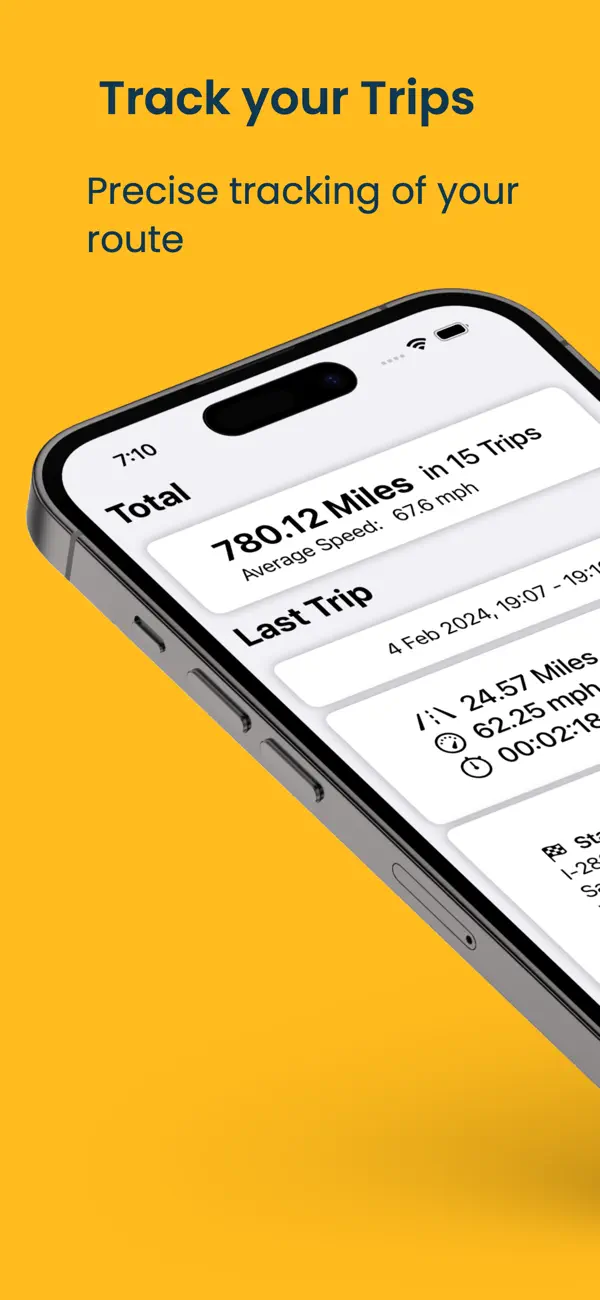
Drivey detects trips in the background, records mileage, duration, and route, and keeps manual mileage tracking to a minimum.
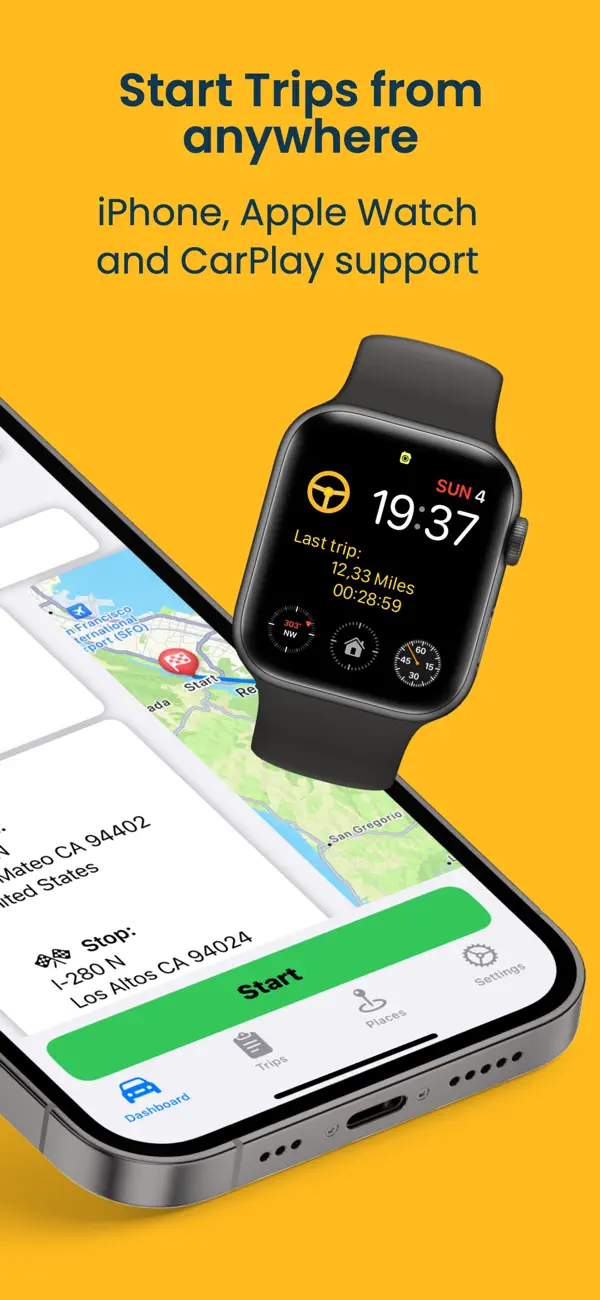
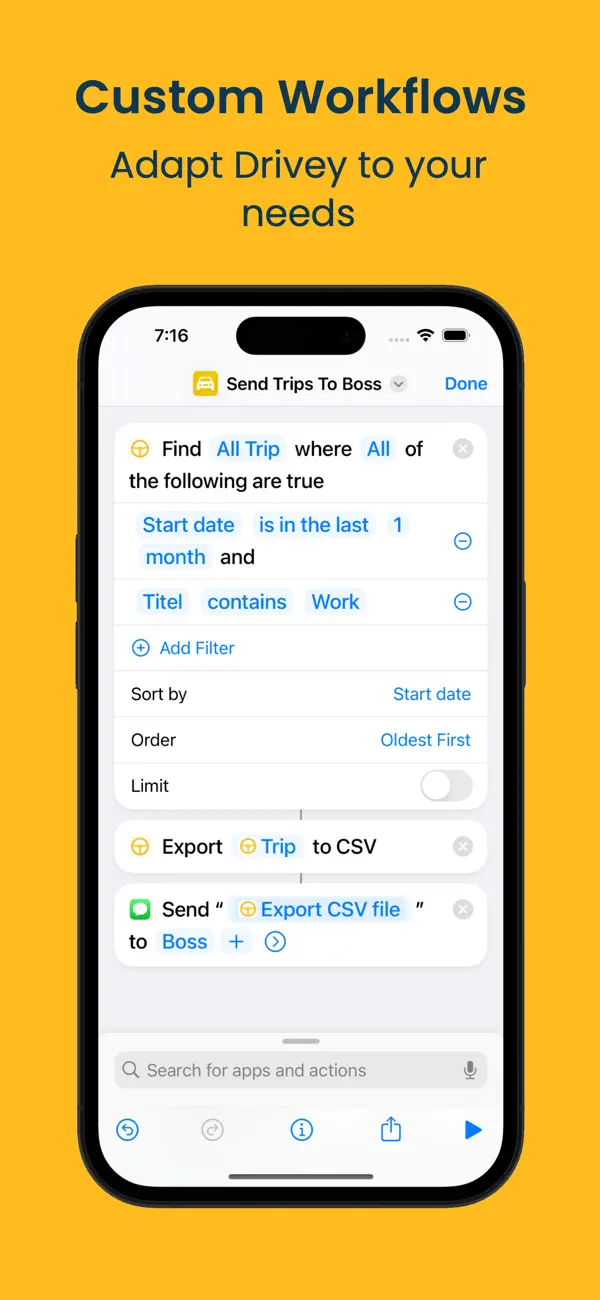
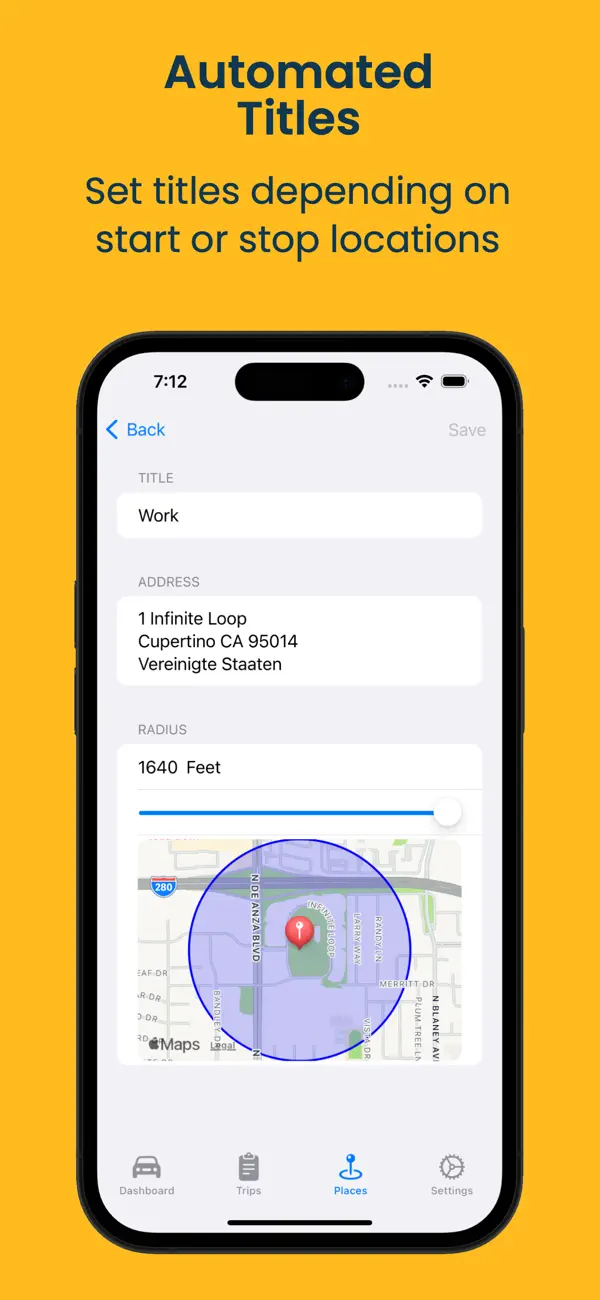
Start, stop, and automate trip logging through iOS Shortcuts, voice commands, routines, and CarPlay integration.
Export trip logs as CSV for accounting, expense reports, reimbursements, and tax documentation.
Assign trips to your vehicles and keep separate odometers and trip lists in view.
Control recording right from your wrist when your iPhone stays in your pocket.
Drivey does not collect your data for advertising, tracking, or resale. Location data is used only to record your trips.
App Preview
Workflow
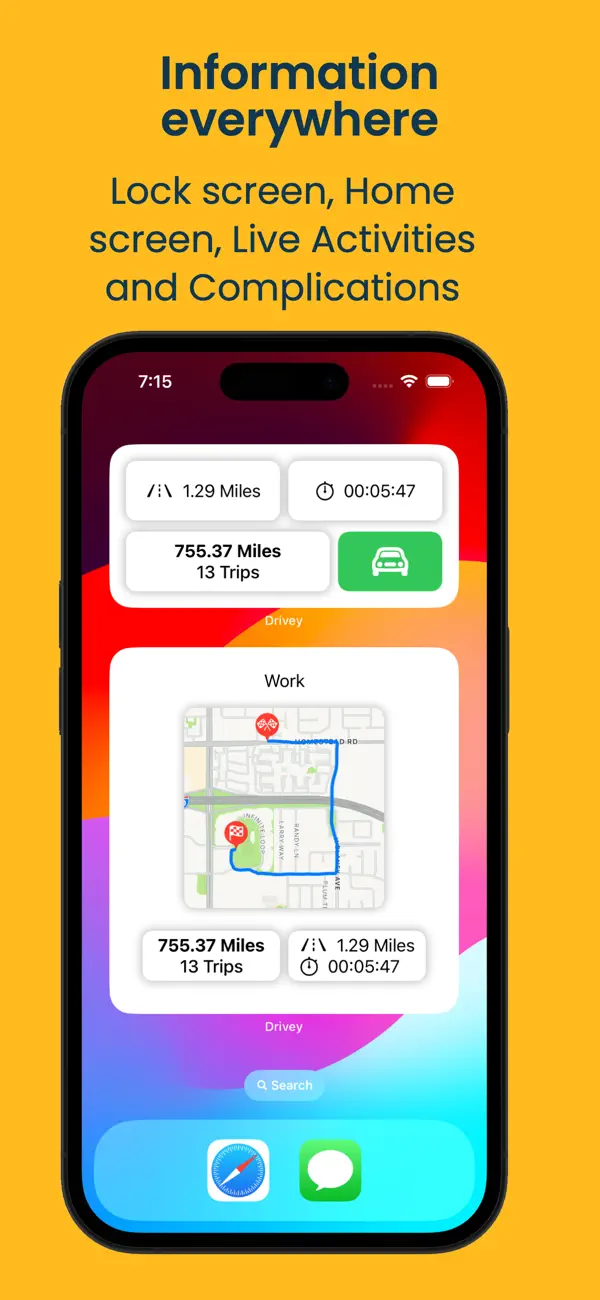
Drivey combines automatic recording with the iOS tools you already use: Shortcuts, Siri, Apple Watch, and CarPlay.
Mileage Log FAQ
Yes. Drivey can record drives in the background and keep route, mileage, duration, and trip history available for review.
Yes. Drivey exports trip logs as CSV files for accounting, expense reports, reimbursements, and tax documentation.
No. Drivey does not collect your data for advertising, tracking, or resale. Location data is used only to record your trips.
Drivey is available for free on the App Store. Pro upgrades are available as monthly or lifetime options.